

Views: 580 Author: Princee Lee Publish Time: 03-27-2026 Origin: Princee Lee


Content Menu
● How to Use MagSafe Phone Holder
>> The Evolution of Phone Mounting Technology
>> Understanding the Technology Behind MagSafe
>> Determining Device Compatibility
>> Choosing the Right MagSafe Phone Holder
>>> MagSafe Ring Holders and Grips
>>> MagSafe Photography and Tripod Mounts
>> Step-by-Step Guide: How to Use a MagSafe Phone Holder
>>> 1. Preparation and Cleaning
>>> 2. Proper Alignment and "The Snap"
>>> 4. Adjusting the Viewing Angle
>> The Importance of MagSafe-Compatible Cases
>> Pro Tips for Maximizing MagSafe Performance
>> Safety Considerations and Maintenance
>>> Medical Devices and Pacemakers
>>> Magnetic Strips and Credit Cards
>>> Avoiding Surface Scratches
>> The Future of the Magnetic Ecosystem
>> Frequently Asked Questions (FAQ)
>> Conclusion
In the rapidly evolving landscape of mobile technology, few innovations have transformed the user experience as significantly as Apple's MagSafe system. Originally a safety feature for MacBook charging cables, MagSafe was reimagined for the iPhone 12 and subsequent models as a sophisticated magnetic mounting and charging ecosystem. Today, a MagSafe phone holder is more than just a bracket; it is a gateway to a seamless, cable-free, and highly efficient way of interacting with your device. Whether you are driving, working at a desk, or filming content, understanding how to leverage this technology can elevate your daily routine from a series of minor frustrations into a streamlined flow of productivity and convenience.
Before the advent of magnetic arrays, phone holders relied heavily on mechanical tension, gravity, or messy adhesives. Traditional car mounts featured spring-loaded "claws" that required two hands to operate and often pressed against the side buttons of the phone, accidentally triggering Siri or emergency SOS calls. Desk stands were often bulky and offered limited adjustability, while tripod mounts necessitated screwing the phone into a cumbersome clamp.
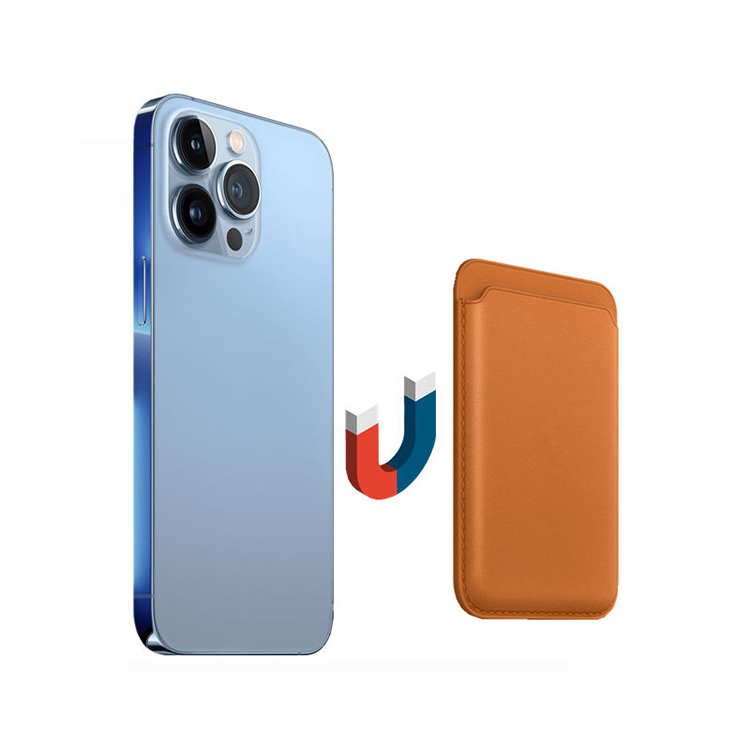
MagSafe fundamentally changed this dynamic by introducing a ring of custom-designed magnets embedded in the back of the phone. This array ensures that the device "snaps" into the perfect position every time, eliminating the guesswork of wireless charging alignment and providing a secure hold that can withstand significant movement. A MagSafe phone holder utilizes this internal architecture to provide a minimalist, one-handed mounting solution that maintains the aesthetic integrity of the smartphone while maximizing its functionality.
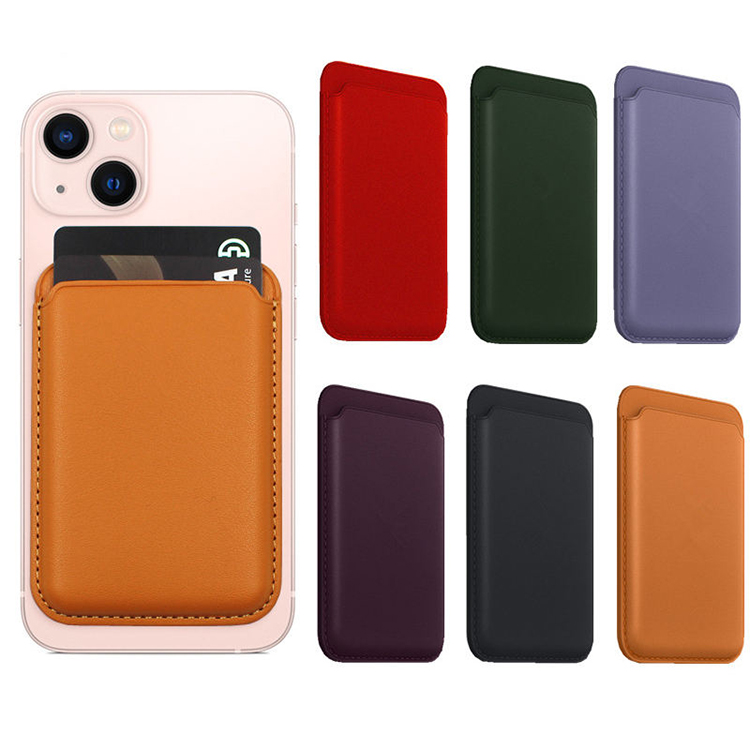
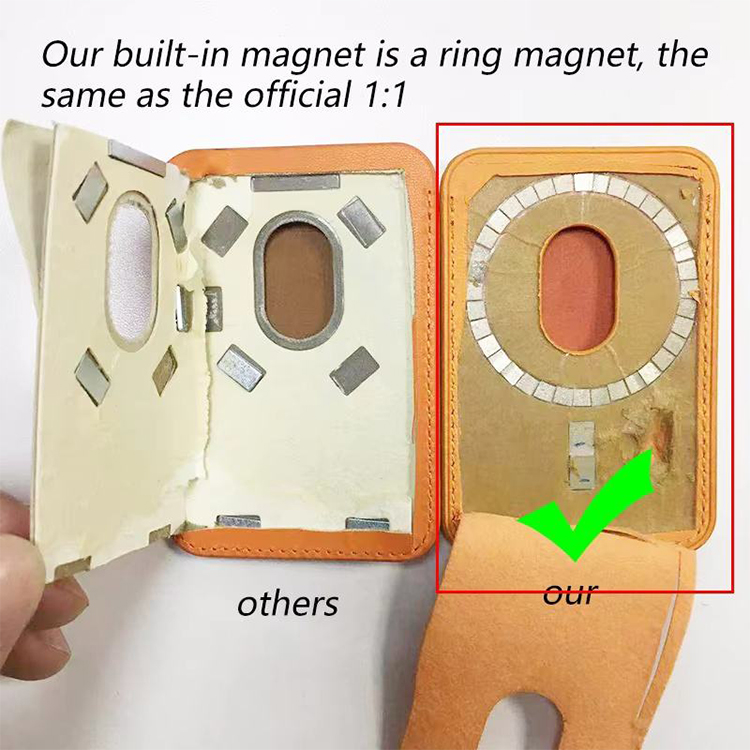
To use a MagSafe phone holder effectively, it is essential to understand what is happening behind the glass back of your device. The MagSafe system consists of a circular array of magnets, a magnetometer, and a single-coil Near Field Communication (NFC) antenna. The magnets are designed to provide a specific pull force that is strong enough to hold the phone's weight but light enough to allow for easy removal.
When you bring your iPhone close to a MagSafe-compatible holder, the magnetic fields interact, drawing the device toward the center of the mounting plate. This automatic alignment is critical for holders that also offer wireless charging. In traditional Qi wireless chargers, even a slight misalignment can lead to slower charging speeds and excessive heat generation. MagSafe solves this by ensuring the charging coils are perfectly concentric, allowing for efficient energy transfer of up to 15W.
The first step in using a MagSafe phone holder is ensuring your hardware is compatible. MagSafe was introduced with the iPhone 12 series and has been a standard feature on all flagship models since, including the iPhone 13, 14, 15, and 16 series. These devices have the magnetic ring built directly into the chassis.
However, the ecosystem is not exclusive to newer iPhone owners. Users of older iPhones (like the iPhone 11) or Android devices can participate in the MagSafe experience by using "MagSafe-compatible" cases or adhesive magnetic rings. These accessories add a metal or magnetic ring to the exterior of the phone or case, allowing it to "stick" to MagSafe holders. While these adapters provide the mounting benefits, they may not always enable the 15W fast-charging speeds reserved for official Apple-certified hardware.
MagSafe holders come in various forms, each tailored to specific environments. Selecting the right one depends on your lifestyle and where you find yourself reaching for your phone most often.
The car is perhaps the most popular place for MagSafe technology. Car mounts generally fall into three categories: vent clips, dashboard/windshield suction mounts, and adhesive mounts. Vent clips are popular for their portability and ease of installation, though they rely on the strength of your car's air conditioning slats. Dashboard mounts offer better visibility and stability but require a flat, clean surface for the adhesive or suction cup to grip.
For office or home use, MagSafe desk stands offer a refined way to keep your phone visible for notifications and FaceTime calls. Many premium stands are weighted to allow for one-handed detachment—meaning you can lift the phone off the stand without the stand lifting off the desk. Some models also feature secondary charging pads in the base for AirPods or Apple Watches, creating a "3-in-1" charging station.
While technically a "holder" for your hand, MagSafe grips like those made by PopSockets or other third-party brands attach magnetically to the back of the phone. These provide a secure way to hold the phone during one-handed use and often double as a kickstand for viewing media on a flat surface. The primary advantage here is that the grip can be easily removed when you want to use a different MagSafe accessory or a wireless charger.
Content creators have embraced MagSafe for its speed. Traditional tripod clamps are slow and can damage screen protectors. MagSafe tripod adapters allow a vlogger to snap their phone onto a tripod in less than a second. These mounts are often designed with extra-strong magnets to ensure the phone doesn't fall during vigorous movement or outdoor filming.
Using a MagSafe holder is intuitive, but following a few specific steps will ensure the longest possible life for your accessories and the safest hold for your device.
Before attaching your phone to a new holder, ensure the back of your phone (or the back of your case) is clean. Dust, lint, or oils can create a barrier that reduces the friction between the magnets and the mounting plate, potentially causing the phone to slide off during a bumpy car ride. Use a microfiber cloth to wipe both surfaces.
When bringing the phone toward the holder, do not feel like you need to "place" it carefully. The magnets are designed to do the work for you. As the phone gets within an inch of the holder, you will feel a magnetic pull. Let the phone guide itself. You should hear and feel a distinct "click" or "snap" as the rings align. This sound is your confirmation that the connection is secure.
Especially with car mounts, it is wise to give the phone a gentle nudge after it is attached. A properly functioning MagSafe holder should hold the phone firmly enough that it does not rotate or tilt under its own weight. If the phone feels loose, check if your case is too thick or if you are using a non-MagSafe case that is interfering with the magnetic field.
Most MagSafe holders feature a ball-joint mechanism. Once the phone is snapped on, you can rotate it 360 degrees. This allows you to easily switch between portrait mode (for scrolling through music) and landscape mode (for GPS navigation). Always make these adjustments while the car is stationary to ensure you have a firm grip on the base of the mount.
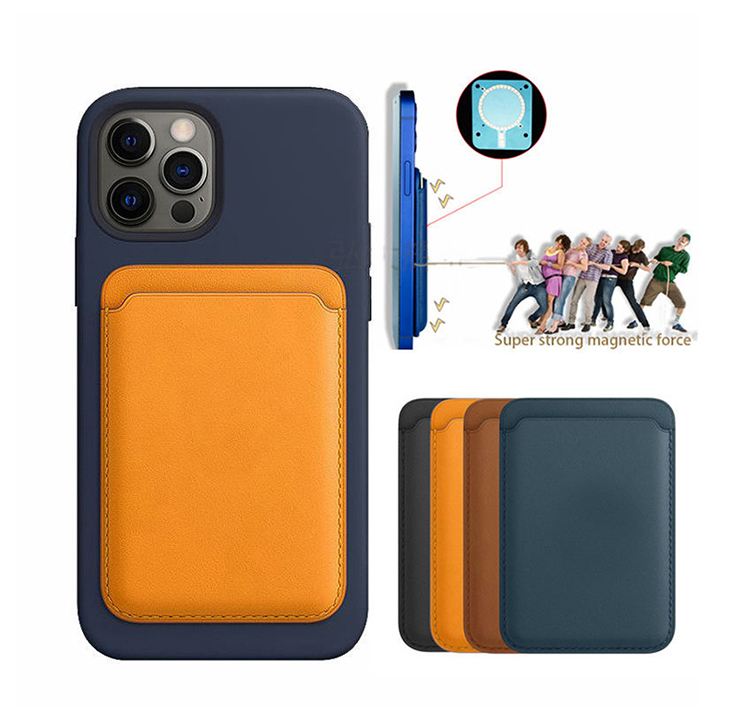
A common mistake among new users is attempting to use MagSafe accessories through a standard, non-magnetic phone case. While magnets can technically work through thin plastic or silicone, the strength of the hold is drastically reduced. A standard case acts as a spacer, increasing the distance between the phone's internal magnets and the holder's magnets.
To use a MagSafe phone holder effectively, you must use either a "naked" iPhone or a case with a built-in MagSafe magnet ring. These cases feature an identical array of magnets embedded within the material, which acts as a "bridge," passing the magnetic force from the phone through to the accessory without any loss in strength. Look for the distinctive white or silver ring on the inside of the case as a sign of compatibility.
Once you are comfortable with the basics, you can use these advanced strategies to get the most out of your MagSafe ecosystem.
- Manage Heat for Faster Charging: If your MagSafe holder is also a charger, it may generate heat. In a car, try to mount the phone near an air conditioning vent. Keeping the phone cool allows the MagSafe system to maintain higher charging speeds for longer periods.
- Daisy-Chaining Accessories: Some MagSafe holders are designed to be "stackable." For example, you might have a MagSafe car mount that holds your phone, while a MagSafe wallet is attached to the back of the phone. Note that this only works with specific accessories and usually reduces the magnetic hold.
- NFC Automations: Modern iPhones can recognize specific MagSafe accessories via NFC. You can set up "Shortcuts" on your iPhone to automatically perform actions when the phone is attached to a specific holder—such as opening a navigation app when snapped into a car mount or enabling "Do Not Disturb" when placed on a desk stand.
While MagSafe technology is incredibly safe, there are a few precautions to keep in mind to protect your health and your belongings.
Apple and various medical organizations have noted that the magnets and radios in iPhones and MagSafe accessories can interfere with medical devices. Specifically, pacemakers and implantable defibrillators may contain sensors that respond to magnets when in close proximity. It is recommended to keep your iPhone and MagSafe accessories at least 6 inches (15 cm) away from such devices. Always consult with your physician if you have concerns.
There is a persistent myth that MagSafe will immediately "wipe" all your credit cards. While modern "chip and pin" or contactless cards are generally resistant to the magnets found in MagSafe accessories, older cards with magnetic stripes can be damaged if placed directly against the magnetic array for extended periods. If you use a MagSafe wallet, ensure it is shielded—most reputable brands include a layer of shielding to protect the cards inside from the phone's magnets.
Over time, the repeated "snapping" of the phone onto a metal or hard plastic holder can cause circular micro-scratches on the back of the phone or case. To prevent this, consider holders with a soft silicone or rubberized contact surface. If you see dust or grit on the holder, wipe it off immediately, as these small particles can act like sandpaper between the two magnetic surfaces.
As we look toward the future, the MagSafe standard is evolving into a more universal technology known as Qi2. Developed by the Wireless Power Consortium (WPC) with Apple's assistance, Qi2 brings the benefits of magnetic alignment to a wider range of devices, including Android phones. This means that the MagSafe phone holders you buy today are likely to be compatible with a vast array of future devices, making them a sustainable long-term investment.
We are also seeing the expansion of MagSafe into new areas, such as magnetic bike mounts for cyclists, high-speed cooling fans for mobile gamers, and even wall mounts for the kitchen or bathroom. The "snap-to-use" philosophy is becoming the standard for how we interact with our most important personal device.

Q1: Can I use a MagSafe holder with a non-MagSafe case?
A1: It is not recommended. While the phone might "stick" slightly, the connection will be very weak. The phone is likely to fall off if it is bumped or if the car vibrates. For a secure hold, always use a MagSafe-compatible case with a built-in magnetic ring.
Q2: Will the magnets in the holder damage my phone's battery?
A2: No. The magnets used in MagSafe are designed specifically to be safe for your phone's internal components. They do not interfere with the battery, the screen, or the internal storage. In fact, by ensuring proper alignment for wireless charging, MagSafe can actually help prevent the excessive heat that often damages batteries in traditional wireless chargers.
Q3: Is it safe to leave my phone on a MagSafe charger all night?
A3: Yes, it is safe. Modern iPhones have sophisticated power management systems that slow down the charging speed once the battery reaches 80% to preserve its health. Using a MagSafe charger is no different than using a traditional cable in terms of overcharging safety.
Q4: How do I remove my phone from a strong MagSafe holder without breaking the mount?
A4: Instead of pulling the phone directly away from the mount, try "peeling" it off from one side or sliding it sideways. This breaks the magnetic seal more easily and puts less stress on the mount's base or your car's air vents.
Q5: Can I use a MagSafe holder on an Android phone?
A5: Yes, but you will need an adapter. You can purchase a MagSafe-compatible case for many popular Android models (like the Samsung Galaxy series) or stick an adhesive magnetic ring to the back of your current case. This will allow your Android phone to snap onto any MagSafe holder.
Mastering the use of a MagSafe phone holder is about more than just sticking a phone to a magnet; it is about embracing a more fluid and efficient digital lifestyle. From the security of a car mount that keeps your eyes on the road to the elegance of a desk stand that organizes your workspace, MagSafe provides a level of precision that traditional accessories simply cannot match. By choosing the right hardware, ensuring proper alignment, and following basic safety and maintenance tips, you can ensure that your smartphone remains a powerful, accessible tool in every environment. As the technology continues to expand into the Qi2 universal standard, the magnetic ecosystem is set to become an even more integral part of our daily lives, proving that sometimes the simplest solutions—like a well-placed magnet—are indeed the most revolutionary.


